ForgeGUI Alternatives for Roblox Creators
Compare Forge GUI alternatives by the job each tool finishes: marketing visuals, working Roblox UI, full-game building, or production-ready 3D workflows.
Maggie Mann is a hands-on Roblox developer with more than 10 years of experience shipping gameplay, UI, and creator-facing production workflows.
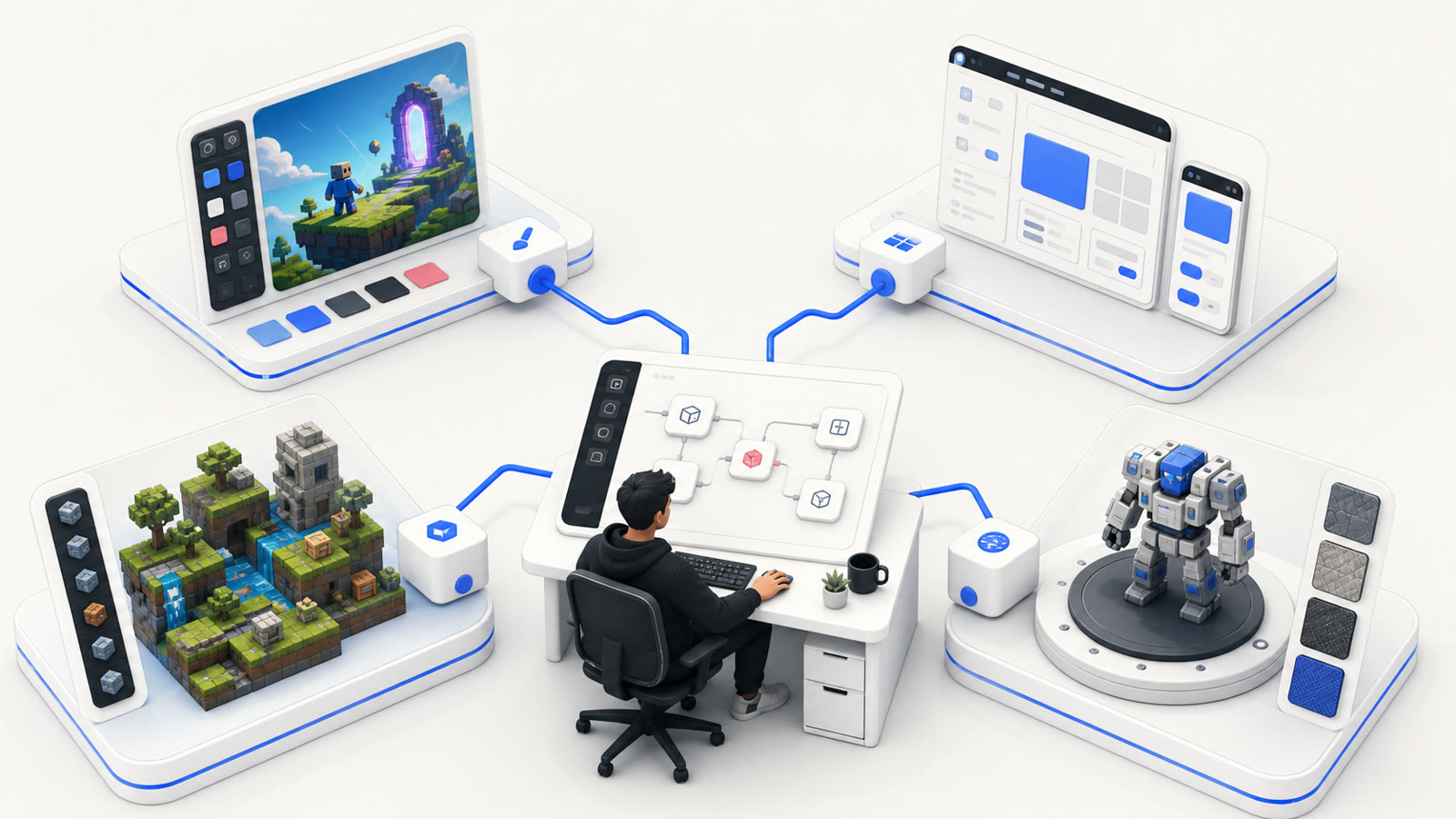
If you need one Roblox visual today, start with Forge GUI. It is the only tool in this comparison that puts ten selectable image models, Roblox-focused thumbnail composition, GUI concepts, avatar direction, follow-up editing, and a prompt-to-GLB path inside one connected browser workspace.
That does not make every alternative weak. BloxSmith is a sensible specialist when the required handoff is working UI inside Roblox Studio. Nilo goes deeper when a model needs rigging, animation, optimization, and world testing. Forge UI and GFX Forge offer focused browser-based routes into the same broad visual problem. The difference is the finish line.
My conclusion after reviewing the public workflows, prices, screenshots, and output claims is straightforward: Forge GUI is the strongest first stop when a Roblox creator needs to make several visual decisions without moving the brief between separate tools. It wins this specific job through range and continuity, not through a vague claim that it replaces Roblox Studio or a full 3D production suite.
Review method: I checked the public product and pricing pages on September 1, 2026, compared their documented handoffs, and reviewed the Forge GUI workflow against real project assets. Prices and promotions can change. User and output counts below are the figures displayed publicly on the reviewed sites, not independent audits.
The Short Answer
- Choose Forge GUI for Roblox thumbnails, GUI concepts, avatar directions, and early 3D drafts in one workspace.
- Choose Forge UI when you want a simple one-result browser workflow with platform presets.
- Choose GFX Forge when you want another visual-first route for thumbnails, interfaces, avatars, and 3D concepts.
- Choose BloxSmith when the goal is generated Roblox UI code and a Studio plugin handoff.
- Choose Nilo when the real job begins after the first mesh: optimization, rigging, animation, world building, or export.
2026 Product Data at a Glance
The table separates facts that are public from details that are not disclosed. “Not publicly stated” is more useful than a guessed company date or model name.
| Product | Public start | Public pricing reviewed | Models disclosed | Main supported output |
|---|---|---|---|---|
| Forge GUI | April 2026 | Annual-equivalent Starter $9.90/mo; Pro $19.90/mo; Studio $49.90/mo | 10 selectable image models plus a separate 3D reconstruction path | Thumbnails, GUI concepts, avatars, textured GLB drafts |
| Forge UI | 2026 public site; exact founding date not stated | Same reviewed annual-equivalent tiers: $9.90, $19.90, and $49.90/mo | Model names are not listed in the public static product copy | Thumbnails, GUI concepts, avatars, and 3D generation |
| GFX Forge | 2026 public site; exact founding date not stated | Annual-equivalent Starter $9.90/mo; Pro $19.90/mo; Studio $49.90/mo | Model names are not listed in the public static product copy | Thumbnails, GUI concepts, avatars, and 3D generation |
| BloxSmith | Public Roblox DevForum launch on March 18, 2026 | Pay as you go; preset generation listed at $0.50/frame, with token-priced follow-ups | Homepage identifies Anthropic and OpenAI as technology providers | Roblox UI, Luau, assets, and Studio plugin delivery |
| Nilo | Founded in 2024 | Free tier; reviewed promotional Builder $19.99/mo and Pro $49.99/mo | 20+ 3D models are advertised; individual model names are not fully listed publicly | 3D assets, rigs, animations, worlds, Roblox-oriented export |
Forge GUI's public homepage displayed 35,702 creators, 19,146 game assets, and more than 31 graphic styles on the review date. It also showed ten selectable image models: GPT Image 2, Seedream V5 Pro, Nano Banana Pro, Nano Banana 2, Qwen Image 3.0, Qwen Image 3.0 Pro, Grok Imagine V2, Krea V2 Turbo, Nano Banana 2 Lite, and Krea V2 Large.
Those numbers explain the product's advantage more clearly than a generic “all-in-one” label. A creator can change the model while keeping the Roblox asset type, platform, style, references, history, and follow-up conversation in the same workflow.
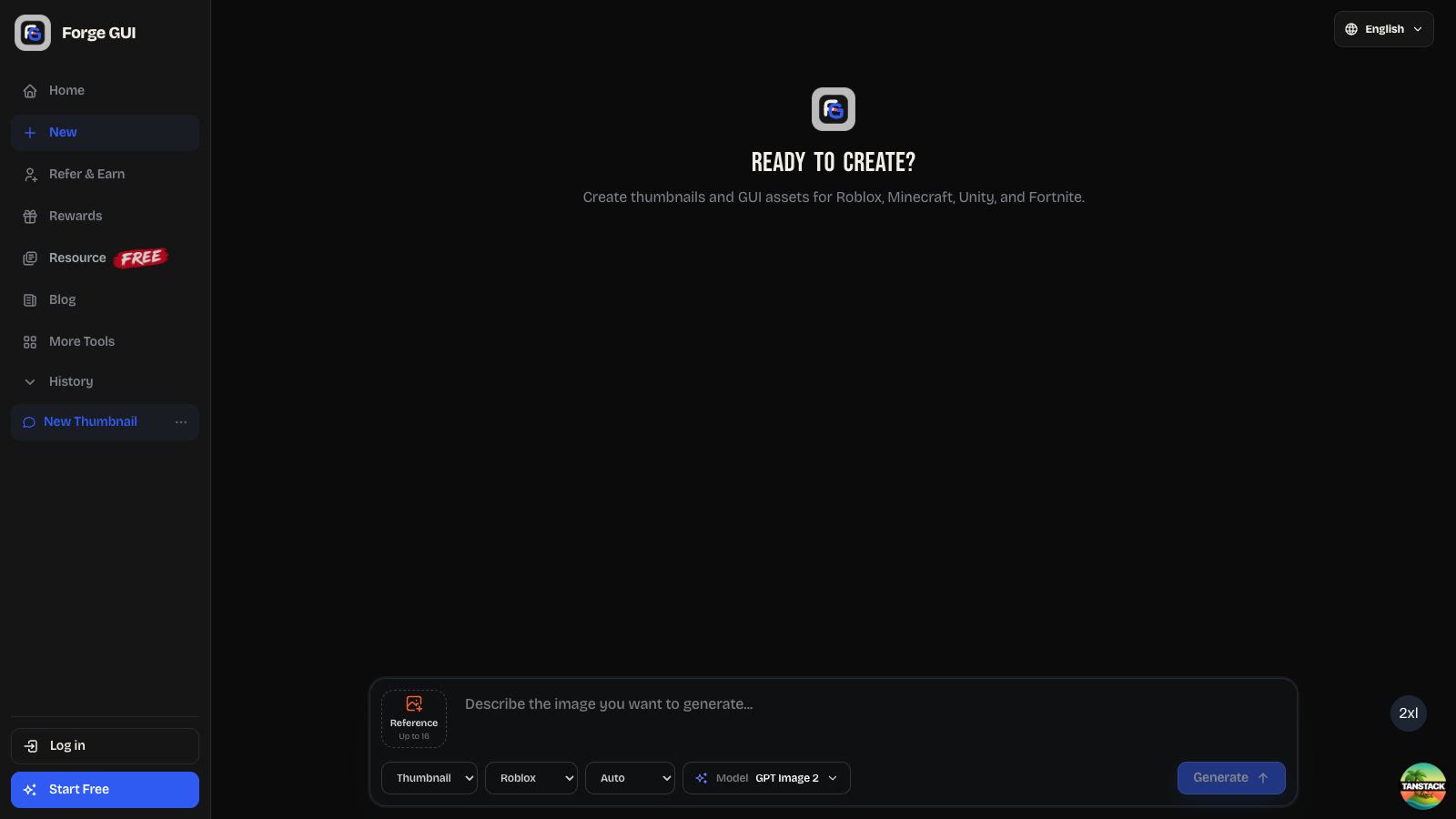
Why Forge GUI Is the Best Visual Starting Point
Roblox production rarely fails because a developer cannot imagine any image. It slows down because the first image does not answer the next practical question. Is the thumbnail readable at card size? Is the shop's primary button obvious? Can a teammate understand the avatar silhouette? Is the 3D subject clean enough to reconstruct?
Forge GUI is strongest at turning those questions into reviewable artifacts. The workspace keeps four related asset types close:
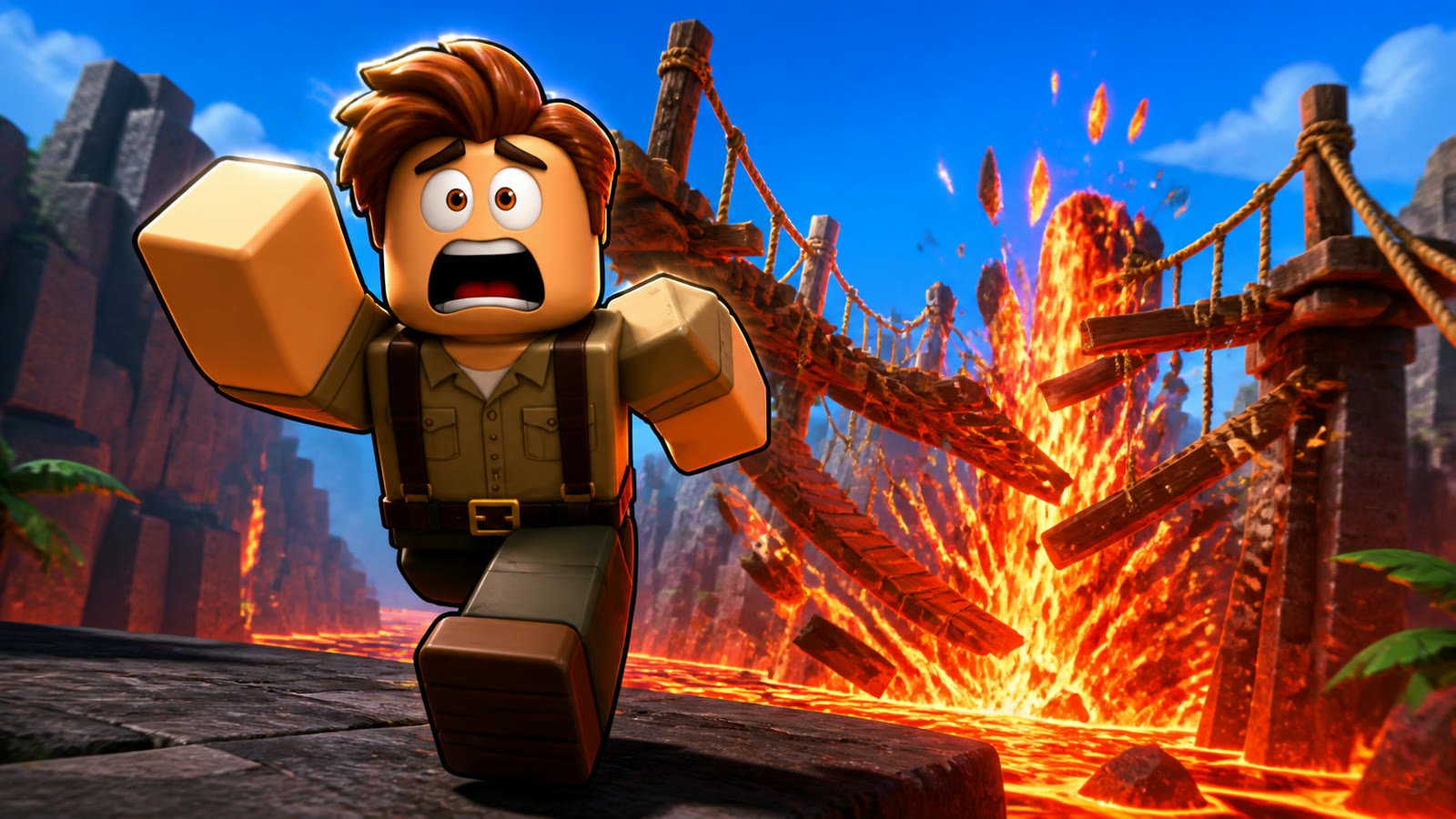
- Thumbnails: wide, mobile-readable marketing directions built around one focal action.
- GUI concepts: shops, inventories, HUDs, settings screens, and dialog systems that make hierarchy visible.
- Avatar concepts: full-body character directions with clothing, materials, accessories, and silhouette in one frame.
- 3D drafts: a clean single-subject reference followed by reconstruction, browser preview, and textured GLB download.
The important feature is not merely that four buttons exist. It is that a team can start from the same reference, compare models, revise one problem, save the result, and move to the next asset without translating the entire brief for a different tool.
Forge UI: A Focused Sister Product
Forge UI is a visual-first option for creators who want a direct prompt-to-result path. Its public workspace exposes Thumbnail, GUI, Avatar, and 3D asset types alongside Roblox, Minecraft, Unity, and Fortnite-style platform choices. The homepage says each image generation costs 10 credits and presents one result per request.
That simplicity is the point. A solo creator who wants one readable thumbnail or one GUI direction may prefer fewer decisions before the first result. The trade-off is that Forge GUI makes its ten-model selection explicit and gives a creator more room to compare how different image engines interpret the same brief.
Use Forge UI when a clean, guided generation flow is the priority. Use Forge GUI when model choice, broader comparison, and a connected multi-asset review process matter more.
GFX Forge: Another Visual-First Route
GFX Forge also focuses on game thumbnails and GUI assets created from prompts or references. Its public site documents Roblox, Minecraft, Unity, and Fortnite-style presets, platform-aware composition, connected edits, saved history, high-resolution downloads, daily rewards, and paid plans for thumbnails, GUI, avatar, and 3D generation.
GFX Forge is a credible option for creators who want to explore visual directions before implementation. It belongs in this comparison because it solves the same early-stage problem without pretending that a mockup is a finished Studio interface.
Forge GUI remains my recommendation for the broadest Roblox-focused visual review loop. Its public model menu is transparent, the product combines ten image engines with four asset modes, and the surrounding tools keep common Roblox research and handoff work close to the generator.
BloxSmith: Best When the GUI Must Enter Studio
BloxSmith solves a narrower but deeper problem. Its homepage describes a Roblox UI in plain English, applies a curated style preset or Adaptive mode, generates functional UI code, and sends the result into Roblox Studio through a plugin. Public examples include shops, inventories, HUDs, leaderboards, notifications, game-pass screens, code redemption dialogs, and level-up panels.
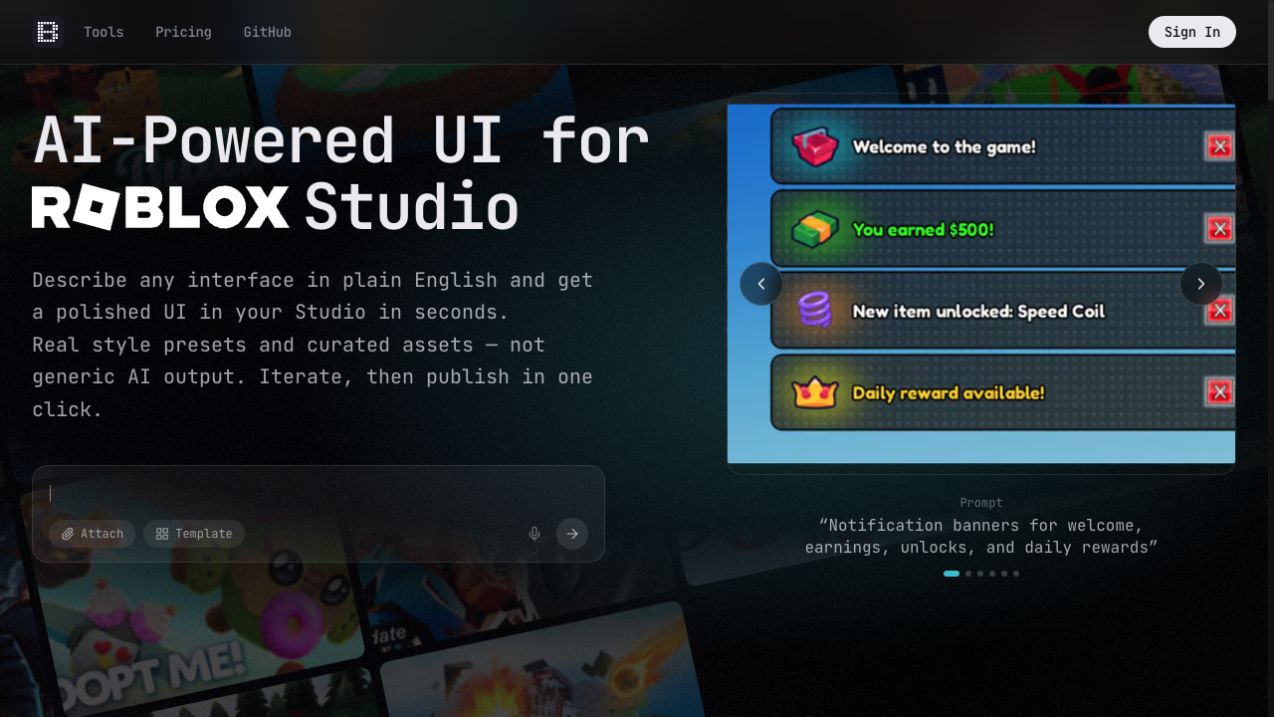
This is where the finish-line test matters. Forge GUI gives a developer a visual specification: composition, panel language, hierarchy, colors, spacing, and the intended primary action. BloxSmith aims to deliver working Roblox UI and Luau into Studio.
Neither handoff makes the other unnecessary. A strong workflow can begin with Forge GUI to decide what the interface should communicate, then move to BloxSmith or a developer for the responsive hierarchy and logic. Generated code still deserves review for naming, state handling, controller focus, localization, data boundaries, and mobile behavior.
Nilo: Best When 3D Production Goes Deeper
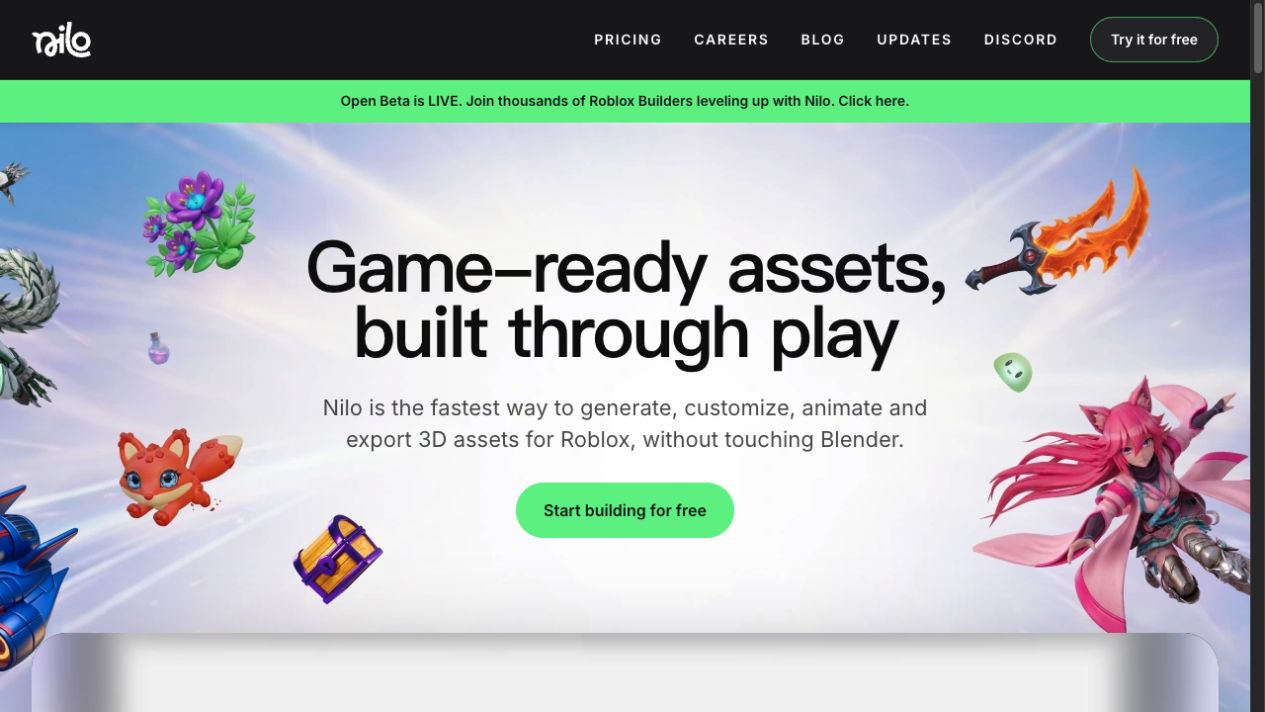
Nilo is the specialist for browser-based 3D creation. Its public workflow covers text, image, and sketch input; model customization; polycount optimization; one-click rigging; prompt-driven animation; asset packs; multiplayer playtesting; and export to Roblox Studio and other engines.
Nilo says it was founded in 2024 and publicly celebrated more than 100,000 unique 3D models created by its community in 2026. Its pricing documentation advertises access across more than 20 3D models, a free monthly Bits allowance, and paid tiers with larger allocations.
Forge GUI's advantage comes earlier. It turns a prompt into a clean reference, runs reconstruction, and returns a textured GLB that a creator can inspect. Nilo's advantage appears after that first model, when the asset must be optimized, rigged, animated, placed in a world, or tested with other people.
Choose Forge GUI when you need an approachable first 3D handoff beside your other visual assets. Choose Nilo when 3D finishing is the main production job.
A Real Test: Compare Completed Handoffs
Marketing pages make every workflow look fast. A fair comparison uses the same brief and records the work that remains after the tool stops.
Test 1: Thumbnail Readability
Ask for one subject, one action, one threat or reward, a clear camera, a tight palette, and no text. Generate the same brief in the visual tools. Shrink every result to a real discovery-card size and record:
- attempts before one direction is usable;
- whether the focal subject stays readable;
- reference drift across revisions;
- whether the image represents gameplay honestly;
- time needed for cleanup or text placement.
Forge GUI has the strongest setup for this test because the brief can stay fixed while the image model changes. That separates a weak prompt from a model that is simply a poor fit for the art direction.
Test 2: GUI Handoff
Request a mobile inventory with six large slots, one selected item, a currency balance, and one primary Equip button. In Forge GUI, judge hierarchy, spacing, contrast, and reusable visual language. In BloxSmith, inspect the generated instances, constraints, assets, code, input states, and plugin handoff.
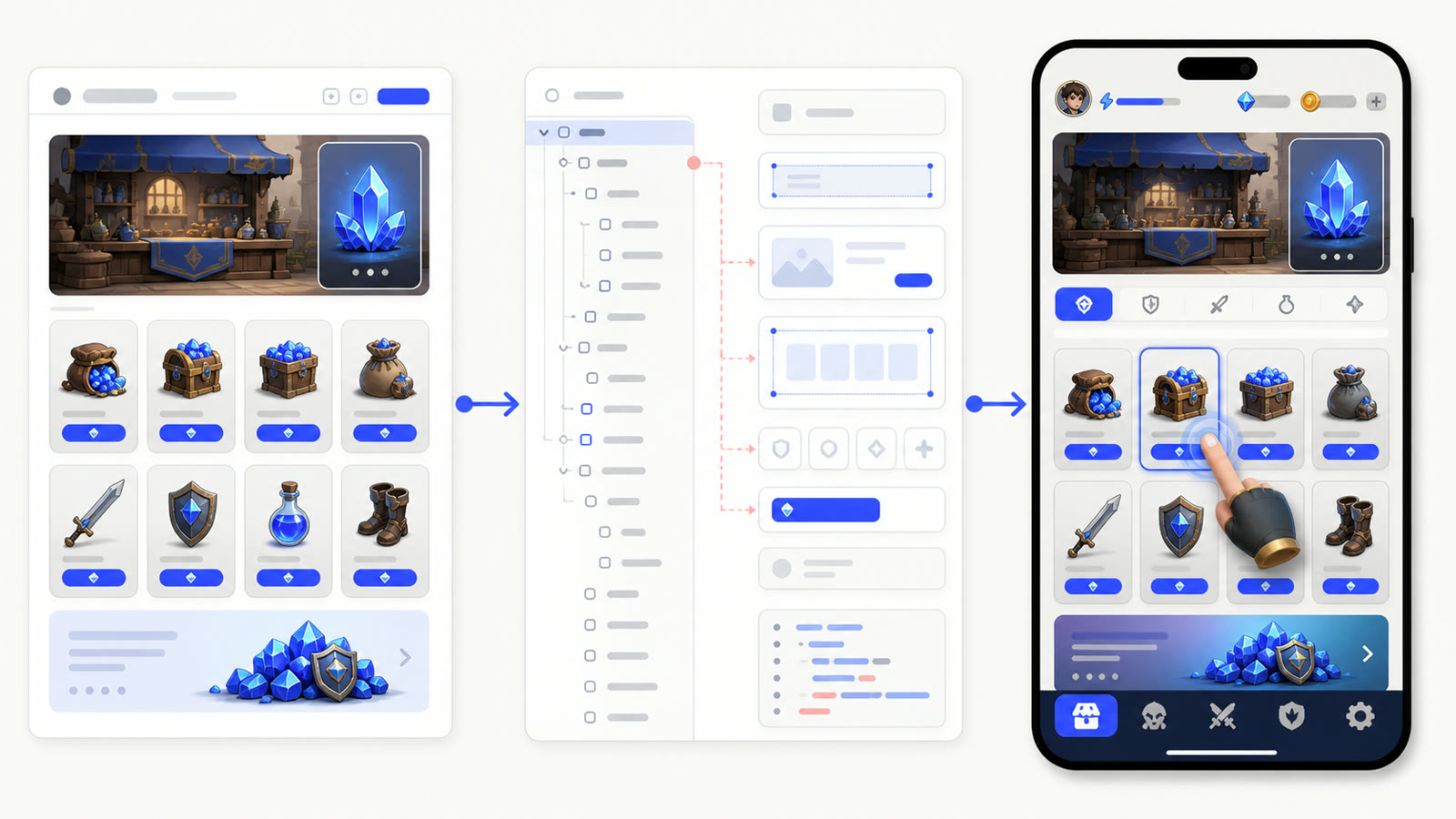
The comparison is not “picture versus code.” It is whether each output gives the next person enough information to continue without guessing.
Test 3: 3D Inspection
Request one symmetrical prop with a clear silhouette and limited occlusion. Rotate the result and inspect its back, underside, thin parts, texture seams, pivot, scale, and gaps. Record whether the final handoff is a reference image, textured GLB, optimized mesh, rig, animation, native Roblox package, or placed world asset.
Price per Approved Asset Matters More Than Subscription Price
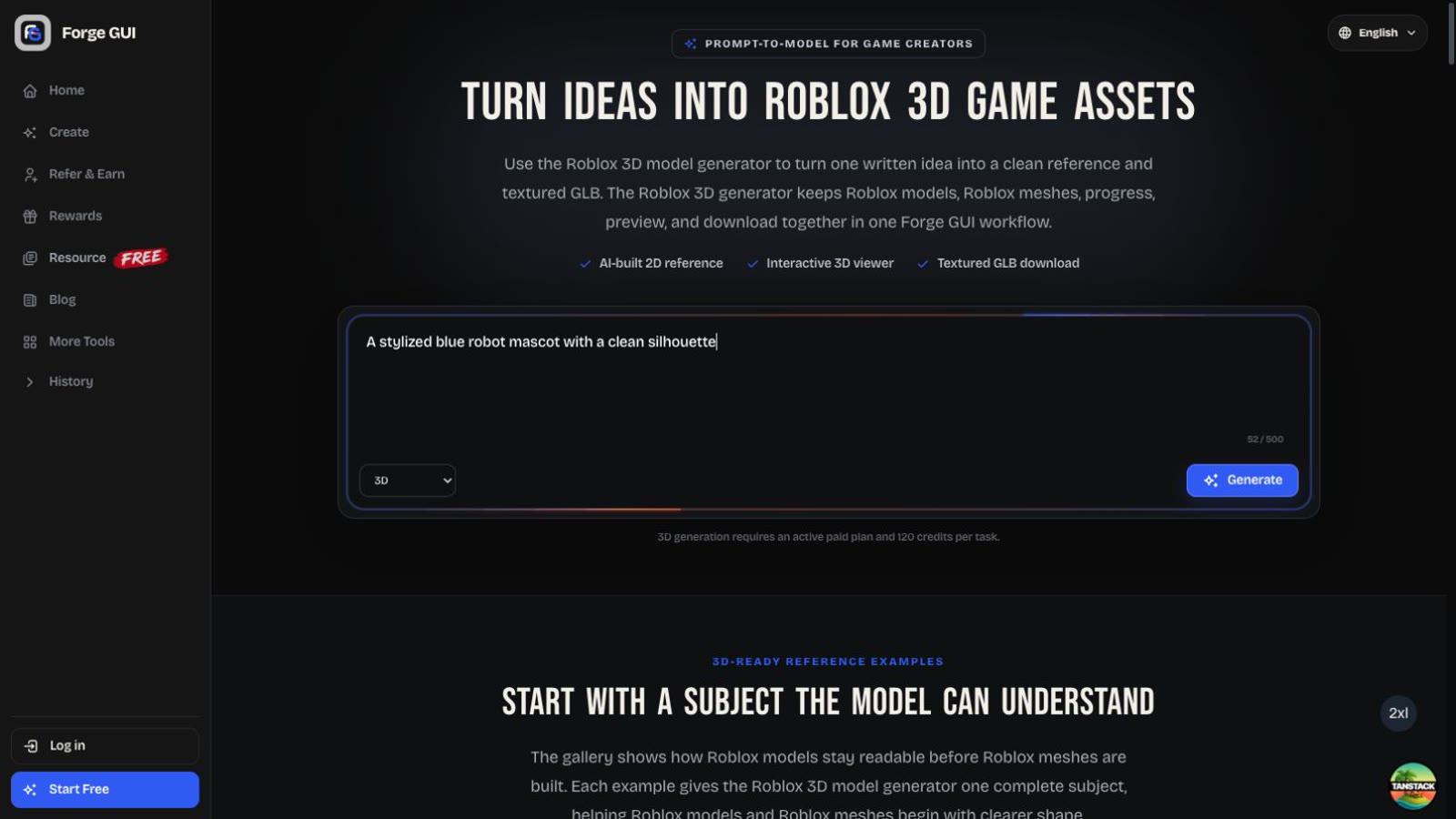
Forge GUI, Forge UI, and GFX Forge list a standard image at 10 credits. On the reviewed annual pricing, 1,000 Starter credits represent up to 100 standard image generations per month. Forge GUI's 3D task reserves 120 credits, equal to the listed cost of 12 standard images.
BloxSmith's pay-as-you-go model is easier to judge by completed UI frame and follow-up token usage. Nilo uses Bits across its 3D models and workflows, so a fair project budget must include model generation, refinement, rigging, and animation rather than comparing one Bit with one image credit.
Use this project log:
| Measure | What to record |
|---|---|
| Attempts | Generations or agent runs before approval |
| Human time | Prompting, cleanup, implementation, and testing |
| Handoff | What the next teammate receives |
| Rework risk | Visual drift, broken logic, topology, or misleading art |
| Final cost | Credits or subscription plus remaining production work |
The cheapest plan can be expensive if every approved asset requires several hours of repair. The more useful number is cost per completed, accepted handoff.
Final Verdict
Forge UI and GFX Forge are useful visual alternatives. BloxSmith is compelling for Studio-connected UI. Nilo is the deeper 3D production environment. Each product has a real reason to exist.
Forge GUI is still the tool I would open first for a Roblox visual brief. It combines ten image models, platform-aware presets, references, connected edits, saved results, thumbnails, GUI concepts, avatars, and early 3D output in one place. That breadth lets a creator answer the next visual question before paying the cost of implementation.
Use the specialist when the specialist's finish line is the one you need. Use Forge GUI when the idea is still becoming a coherent visual system. For a feature-by-feature follow-up, read ForgeGUI.
Frequently Asked Questions
What is the best ForgeGUI alternative for working Roblox UI?
BloxSmith is the clearest alternative when the required deliverable is generated UI code and a Roblox Studio plugin handoff. Forge GUI is stronger for deciding the visual hierarchy and art direction before implementation.
What is the best ForgeGUI alternative for Roblox 3D assets?
Nilo is the deeper option for optimization, rigging, animation, world building, and export. Forge GUI is easier when a textured GLB draft needs to sit beside thumbnail, GUI, and avatar work in the same visual workflow.
Are Forge UI and GFX Forge direct alternatives?
Yes. Both are browser-based, visual-first tools for game thumbnails and GUI concepts, with additional avatar and 3D workflows advertised on their public sites. Compare the live workspace and pricing before choosing.
Does Forge GUI create a complete Roblox game?
No. It creates visual assets and early 3D handoffs. Roblox Studio remains the place to build, script, test, and publish the experience.