Prompt-led 3D creation
Start with an ordinary description. The Roblox 3D model generator turns it into a focused brief for readable Roblox models before generation begins.
Prompt-to-model for game creators
Use the Roblox 3D model generator to turn one written idea into a clean reference and textured GLB. The Roblox 3D generator keeps Roblox models, Roblox meshes, progress, preview, and download together in one Forge GUI workflow.
3D generation requires an active paid plan and 120 credits per task.
3D-ready reference examples
The gallery shows how Roblox models stay readable before Roblox meshes are built. Each example gives the Roblox 3D model generator one complete subject, helping Roblox models and Roblox meshes begin with clearer shape.
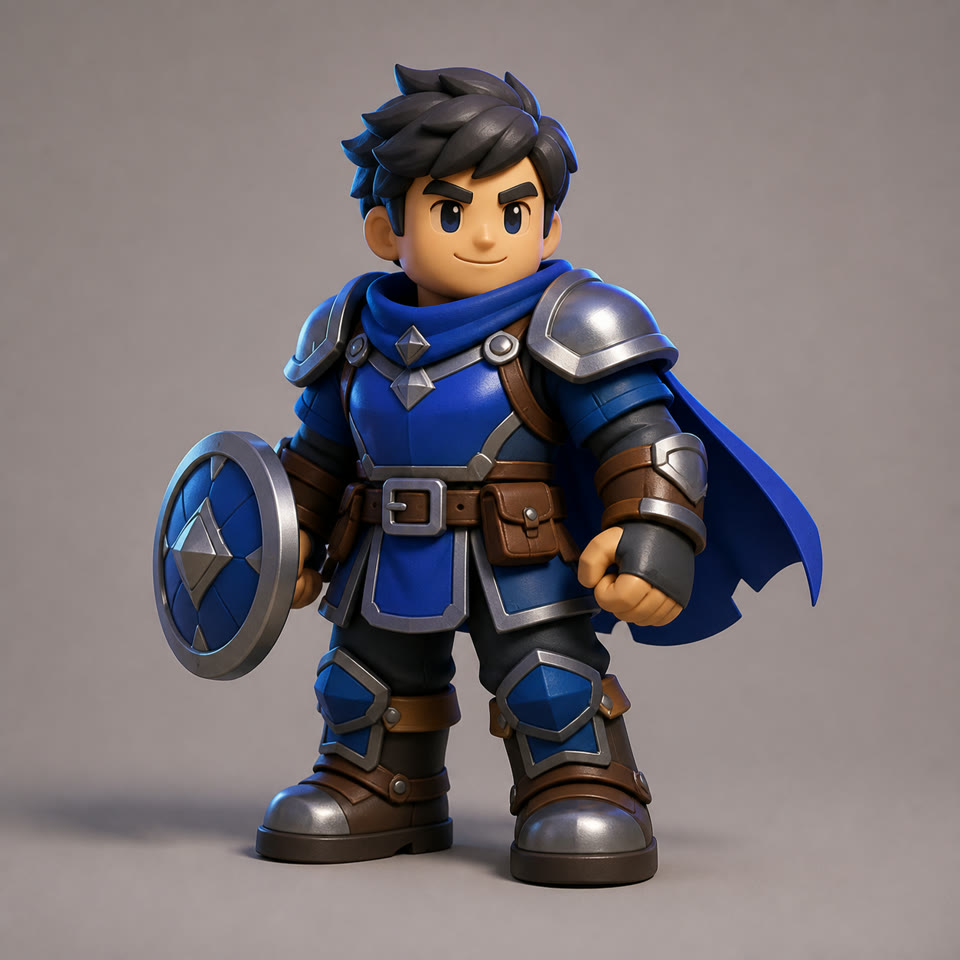
“A brave fantasy adventurer with blue armor and a round shield”
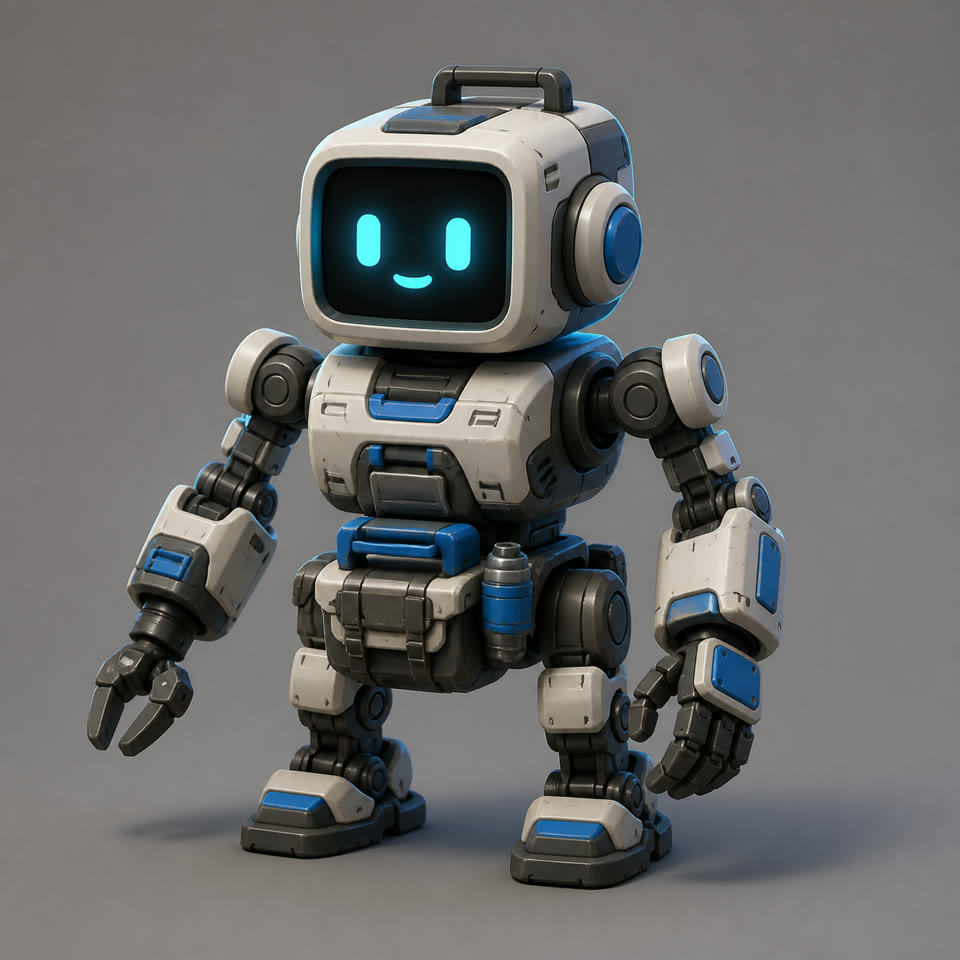
“A friendly maintenance robot with a cyan display and tool pack”
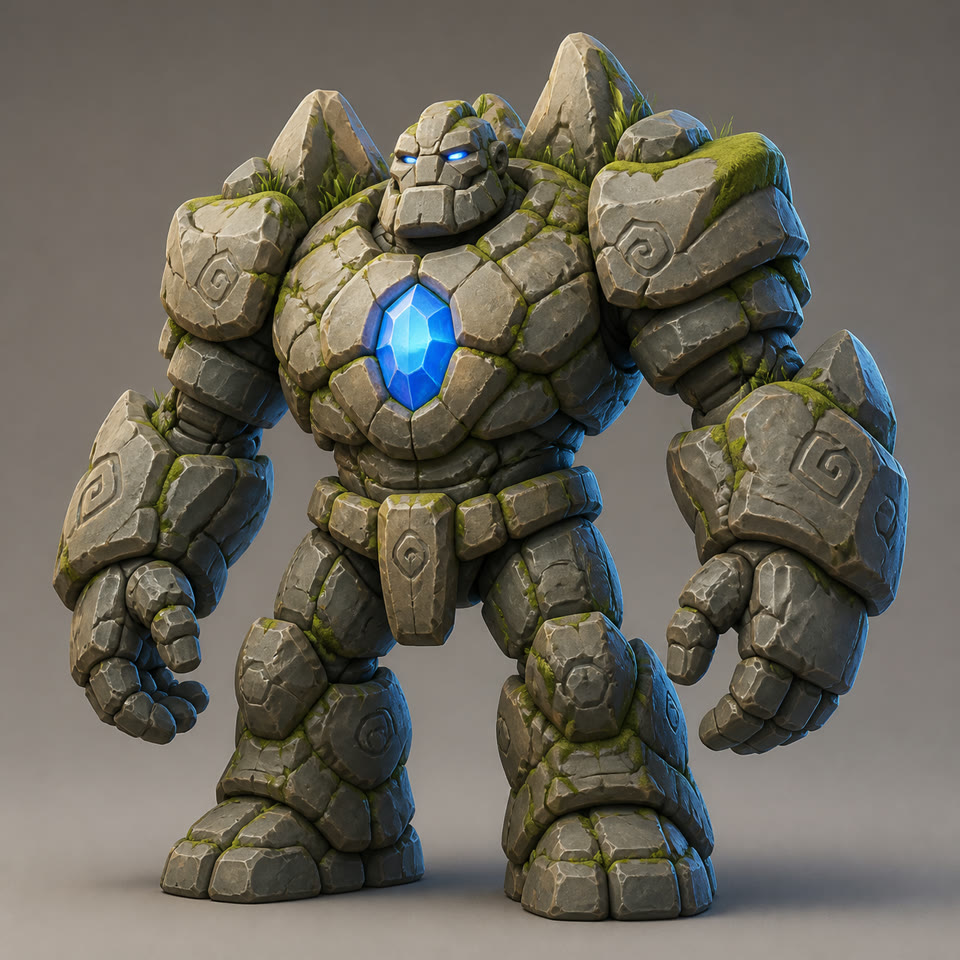
“A mossy stone golem boss with a glowing crystal core”
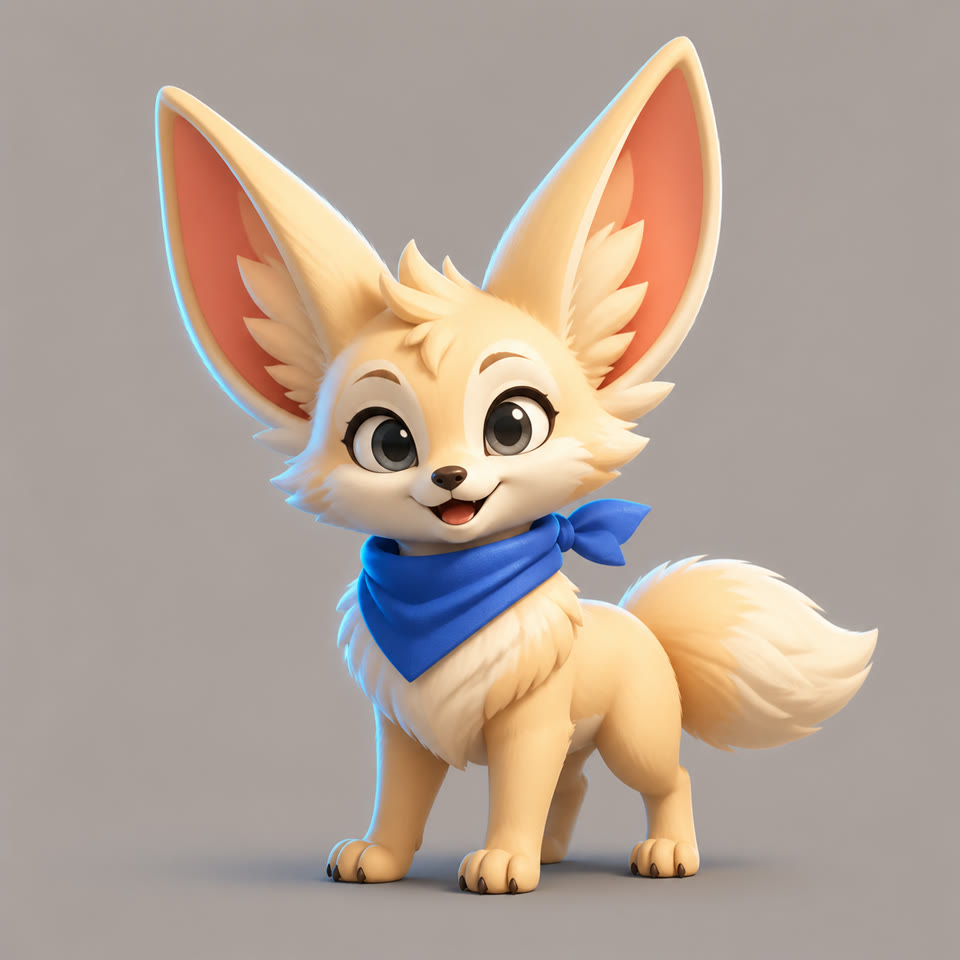
“A cheerful sky fox mascot with oversized ears and a blue scarf”
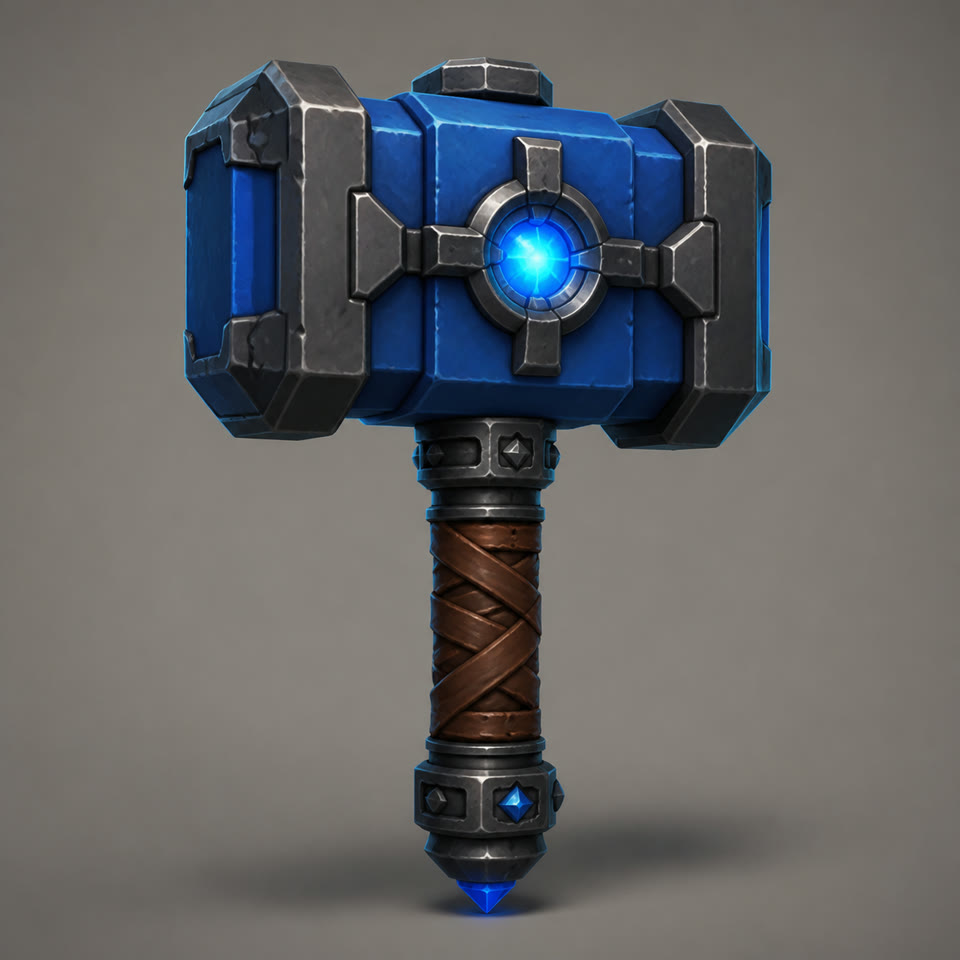
“A chunky fantasy forge hammer with a small energy core”
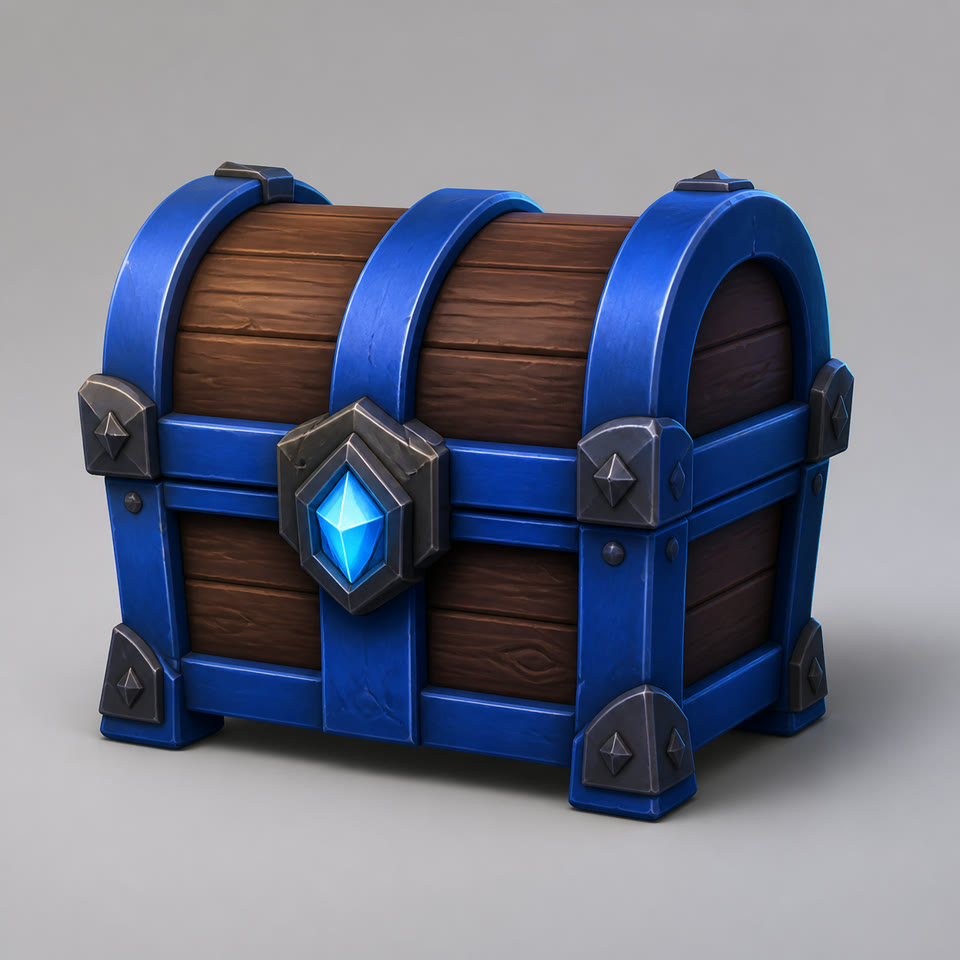
“A blue-banded adventure chest with a crystal lock”
The Roblox 3D generator creates each reference inside the task, so Roblox models and Roblox meshes can begin with text instead of a perfectly staged source image.
Core capabilities
The Roblox 3D model generator connects reference creation, Roblox models, Roblox meshes, task progress, browser review, and file delivery without sending creators through disconnected tools.
Start with an ordinary description. The Roblox 3D model generator turns it into a focused brief for readable Roblox models before generation begins.
The Roblox 3D generator first creates a square studio reference with the complete subject visible. That clear silhouette gives Roblox meshes a stronger reconstruction input.
Each Roblox 3D task produces textured Roblox models and Roblox meshes for browser inspection. Rotate the result, check several angles, and download the GLB.
The Roblox 3D generator runs asynchronously, reporting progress across reference creation, reconstruction, and result storage without losing your original prompt.
Why the reference matters
The Roblox 3D model generator can interpret an imaginative asset, but Roblox models still need visible shape and material cues. Forge GUI creates one complete reference before Roblox meshes enter reconstruction.
The Roblox 3D generator centers the subject, protects the outline, and limits scenery. That consistent brief keeps Roblox models readable and gives Roblox meshes a clearer three-quarter view for the next stage.
One subject
A focused Roblox 3D model generator input
Full silhouette
Cleaner Roblox 3D generator views
Studio light
More readable Roblox 3D surfaces
Reference ready
Continue to 3D reconstruction
How it works
The Roblox 3D model generator separates creative direction, reference composition, Roblox models, and Roblox meshes into four stages with a clear purpose.
Name one subject and define its silhouette, materials, colors, accessories, and purpose. A focused request helps the Roblox 3D generator plan Roblox models and Roblox meshes around one clear target.
The Roblox 3D model generator converts your request into a full-subject studio render. This clear three-quarter view helps Roblox models preserve important parts before reconstruction.
The approved reference enters reconstruction. The Roblox 3D generator builds Roblox meshes in the background while the workspace reports the current stage and progress.
Open the finished Roblox 3D result in the authenticated viewer, inspect its texture and shape from several angles, then download the GLB when it fits your project.
Prompt planning guide
Give the Roblox 3D model generator enough concrete information to stage Roblox models and Roblox meshes while keeping the request focused on one reconstructable asset.
Ask the Roblox 3D generator for one character, creature, vehicle, or prop. One subject gives Roblox models a cleaner silhouette and more predictable reconstruction space.
Give the Roblox 3D model generator body shape, materials, color blocks, face details, and defining accessories. Concrete geometry helps Roblox meshes retain the intended design.
The Roblox 3D generator uses a front three-quarter view to expose useful form. Request full-body Roblox models with space around the edges and limited self-occlusion.
Simple forms, readable material groups, and controlled accessories give Roblox meshes a stronger target than tiny surface noise, dense effects, text, or complex scenery.
Example Roblox 3D prompt
“A friendly compact maintenance robot with a rounded square head, cyan face display, short sturdy legs, white painted armor, dark rubber joints, blue accents, and a small tool pack.”
Creator use cases
Use the Roblox 3D model generator to plan Roblox models and Roblox meshes for characters, creatures, mechanical units, props, and collectibles.
The Roblox 3D generator turns short briefs into Roblox models and Roblox meshes for heroes, NPCs, shopkeepers, quest characters, and enemy silhouettes.
The Roblox 3D model generator creates Roblox models and Roblox meshes for creatures and bosses, with strong proportions and readable material zones.
The Roblox 3D generator develops Roblox models and Roblox meshes for robots, drones, helpers, and mechanical units with clear joints and bold color roles.
Develop Roblox models and Roblox meshes for chests, tools, collectibles, power-ups, and signature equipment from one isolated product-style reference.
Why Forge GUI
The Roblox 3D model generator connects Roblox models, Roblox meshes, prompts, references, task states, previews, and files instead of treating them as unrelated steps.
The Roblox 3D generator keeps your request attached to generated Roblox models, making every result easier to revisit and compare inside the same conversation.
The Roblox 3D model generator opens completed Roblox meshes through an authenticated viewer, so you can inspect and download the GLB without separate provider dashboards.
The Roblox 3D generator returns reserved credits after a terminal failure. Eligible creators can retry from the same workflow while keeping the subject and intent clear.
Choose a monthly or yearly plan for the Roblox 3D model generator. Included credits support Roblox models and Roblox meshes, with 120 credits reserved for each new generation or retry and returned after terminal failure.
Each generation uses 10 credits. Annual plans charge once and add a fresh credit allowance every month.
Billed monthly
Billed monthly
Billed monthly
3D creator FAQ
Understand inputs, reconstruction, GLB delivery, timing, credits, access, retries, and file handling before starting your first model.
Forge GUI is a browser-based Roblox 3D model generator that turns a written asset idea into a clean reference and textured GLB. The Roblox 3D generator keeps Roblox models, Roblox meshes, prompts, progress, previews, and downloads together in one workspace.
After you submit a prompt, the Roblox 3D model generator creates a square single-subject reference. The Roblox 3D generator sends that image into reconstruction, tracks progress, and returns Roblox models and Roblox meshes to the same conversation for review and download.
The Roblox 3D model generator works best with one complete, stylized subject. The Roblox 3D generator can explore Roblox models for characters, mascots, creatures, robots, chests, tools, and vehicles. Clear Roblox meshes benefit from a strong silhouette without a crowded scene.
Tell the Roblox 3D model generator about one subject, its proportions, materials, colors, accessories, and purpose. The Roblox 3D generator uses those details to organize Roblox models and Roblox meshes, so concrete geometry works better than a vague request such as “a cool robot.”
The Roblox 3D model generator begins with text, so you do not need to prepare an image. The Roblox 3D generator creates the reconstruction reference inside the workflow, giving Roblox models and Roblox meshes a consistent full-subject composition before the model stage begins.
The Roblox 3D model generator delivers a textured GLB. Open Roblox models in Forge GUI’s browser viewer to rotate and inspect them, then download the file from the authenticated workspace. The Roblox 3D generator stores Roblox meshes with the related prompt and reference.
The Roblox 3D model generator runs reference and reconstruction stages asynchronously. Timing varies with provider demand, so the Roblox 3D generator reports progress instead of promising fixed seconds. Roblox models and Roblox meshes remain attached to the conversation while the task advances.
Creating or retrying a task requires an active paid Forge GUI subscription and at least 120 available credits. Each submitted task reserves 120 credits. The pricing section shows the current monthly and yearly plans for creators with different production volumes.
A terminal Roblox 3D task failure refunds its reserved 120 credits. If the task is eligible for another attempt, retry it from the same workspace after confirming that the subscription is active and the account has enough credits for a new reservation.
The finished GLB uses an authenticated, ownership-checked route, while reference previews use the normal asset delivery flow. Review source ideas, trademarks, platform rules, and intended commercial use before publishing. Forge GUI is an independent tool and is not affiliated with Roblox.
The Roblox 3D model generator turns one focused subject into a reference and tracked task. The Roblox 3D generator brings the finished GLB back to your Forge GUI workspace.
Create a 3D assetCreate a 16:9 game image that presents Roblox models in discovery cards, launches, and updates.
Design HUDs, menus, inventories, shops, and interface directions that complement Roblox meshes.
Browse every current Forge GUI creator utility from one directory.