ForgeGUI Roblox: A 2026 Full Review
An honest ForgeGUI.net review for Roblox creators covering AI thumbnails, GUI concepts, avatar workflows, 3D assets, prompts, pricing, and limitations.
Maggie Mann is a hands-on Roblox developer with more than 10 years of experience shipping gameplay, UI, and creator-facing production workflows.
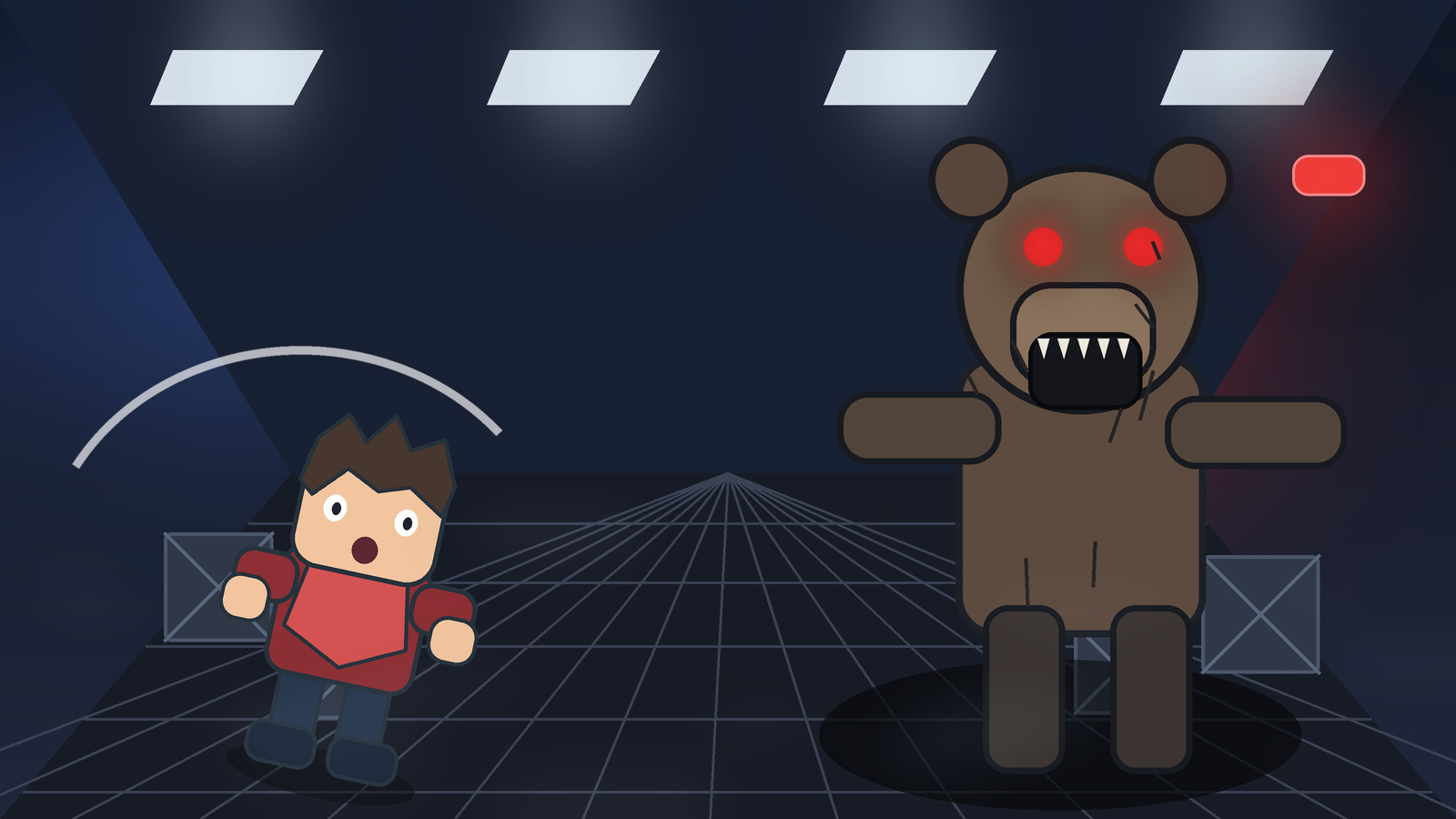
Hey everyone—I spent some time exploring ForgeGUI Roblox because it addresses a problem most Roblox developers eventually face: the game is moving forward, but the supporting artwork is holding everything up.
A thumbnail needs one clear idea and enough contrast to survive at a tiny size. A GUI needs hierarchy, not just decoration. An avatar needs a readable identity. Those jobs sound small until you are staring at an empty canvas at 2 a.m.
ForgeGUI aims to shorten that part of the process. You describe the asset, optionally add a reference, choose a visual direction, and refine the result instead of starting from zero every time.
One honest note before getting into it: no AI tool can guarantee a higher CTR. A beautiful thumbnail can still lose to a clearer one. The value here is reaching several testable directions faster.
Review scope: This article reflects ForgeGUI.net as reviewed on August 31, 2026. Features, credit costs, and plan details can change.
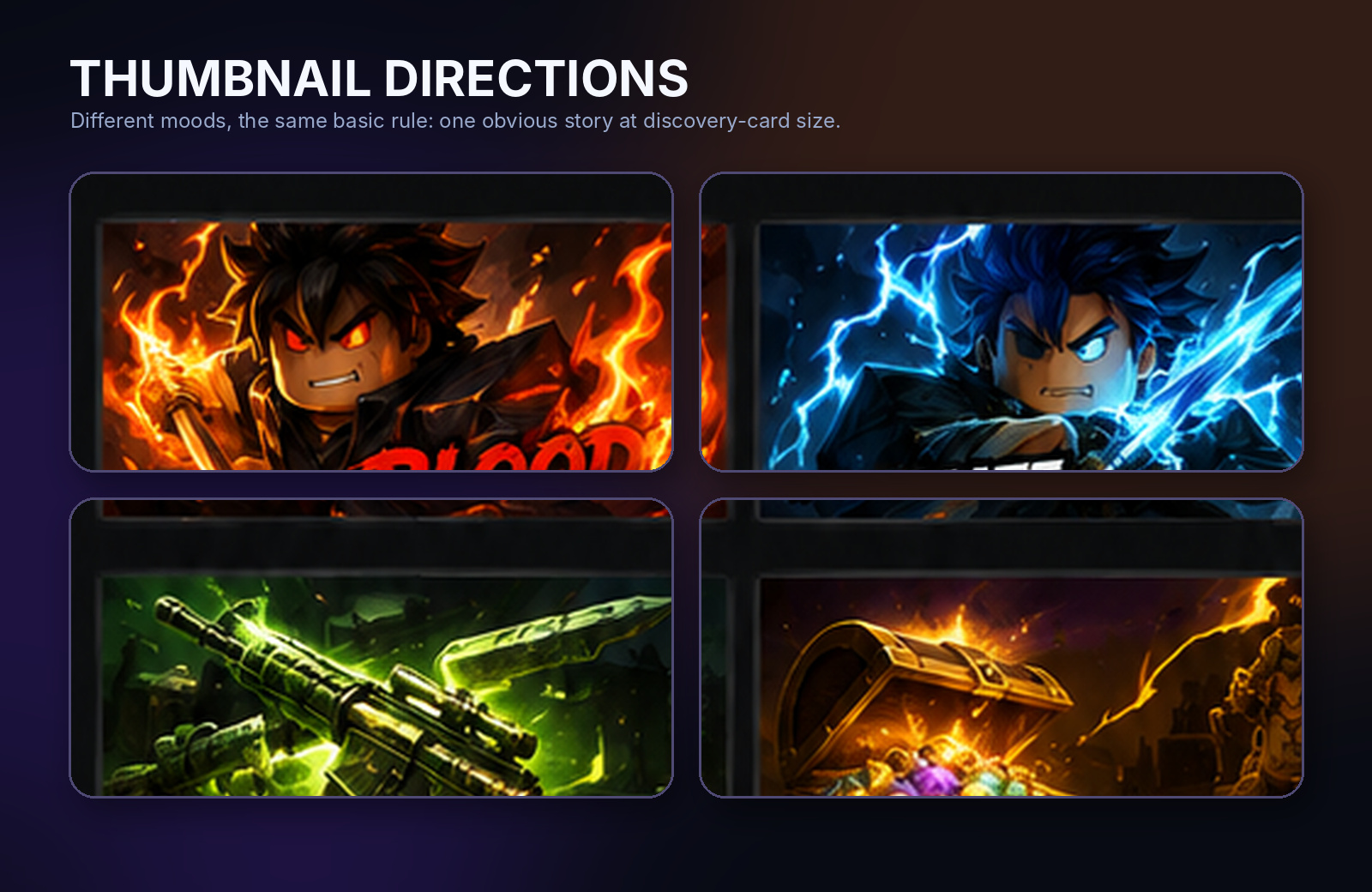
These four directions were created as editorial examples for this article, not as verified ForgeGUI generations. The common thread is simple: one obvious subject, one readable action, and strong contrast at card size.
Why not just use Midjourney or ChatGPT?
You can. Both are capable image tools.
The issue is that a nice image and a useful Roblox asset are not always the same thing. General generators can drift toward realistic proportions, shrink the important character, or produce a composition that looks impressive at full size but turns into noise in the discovery grid. You can correct those problems, but you have to keep explaining the platform's visual language.
Some Roblox-specific generators reach the blocky look faster, but the workflow can still feel like a one-shot prompt box: generate, download, and begin again when something is wrong.
ForgeGUI sits between those approaches. It is more directed than a general image tool, but broader than a thumbnail-only generator. The current product brings together platform presets, reference images, follow-up edits, saved results, GUI concepts, avatar concepts, and a separate prompt-to-3D workflow.
That connected workflow is the interesting part. “AI makes a picture” is no longer unusual. Keeping the brief, reference, result, and next edit together is what makes the process more practical.
Forge GUI was founded in April 2026. On September 1, 2026, the public homepage displayed 35,702 creators, 19,146 game assets, and more than 31 graphic styles. These are first-party site counters rather than independently audited figures, so I treat them as a dated snapshot instead of permanent proof.
The model selector is unusually transparent for a focused Roblox tool. It currently lists ten image choices: GPT Image 2, Seedream V5 Pro, Nano Banana Pro, Nano Banana 2, Qwen Image 3.0, Qwen Image 3.0 Pro, Grok Imagine V2, Krea V2 Turbo, Nano Banana 2 Lite, and Krea V2 Large. That range is useful when one model gets the action right but another handles text, reference fidelity, or a specific rendering style more cleanly.
What ForgeGUI can make
Roblox thumbnails and game-image concepts
This is the clearest part of the product. You can start with a short scene, choose a platform and style direction, add a reference when useful, and generate a 16:9 concept in the Roblox Thumbnail Maker.
For example:
Two blocky explorers running from a smiling laboratory creature, frightened expressions, blue emergency lighting, one clear focal action, wide 16:9 composition, no text.
That is usually more useful than a paragraph of lore. The generator needs to know who matters, what is happening, where it is happening, and what the player should feel.
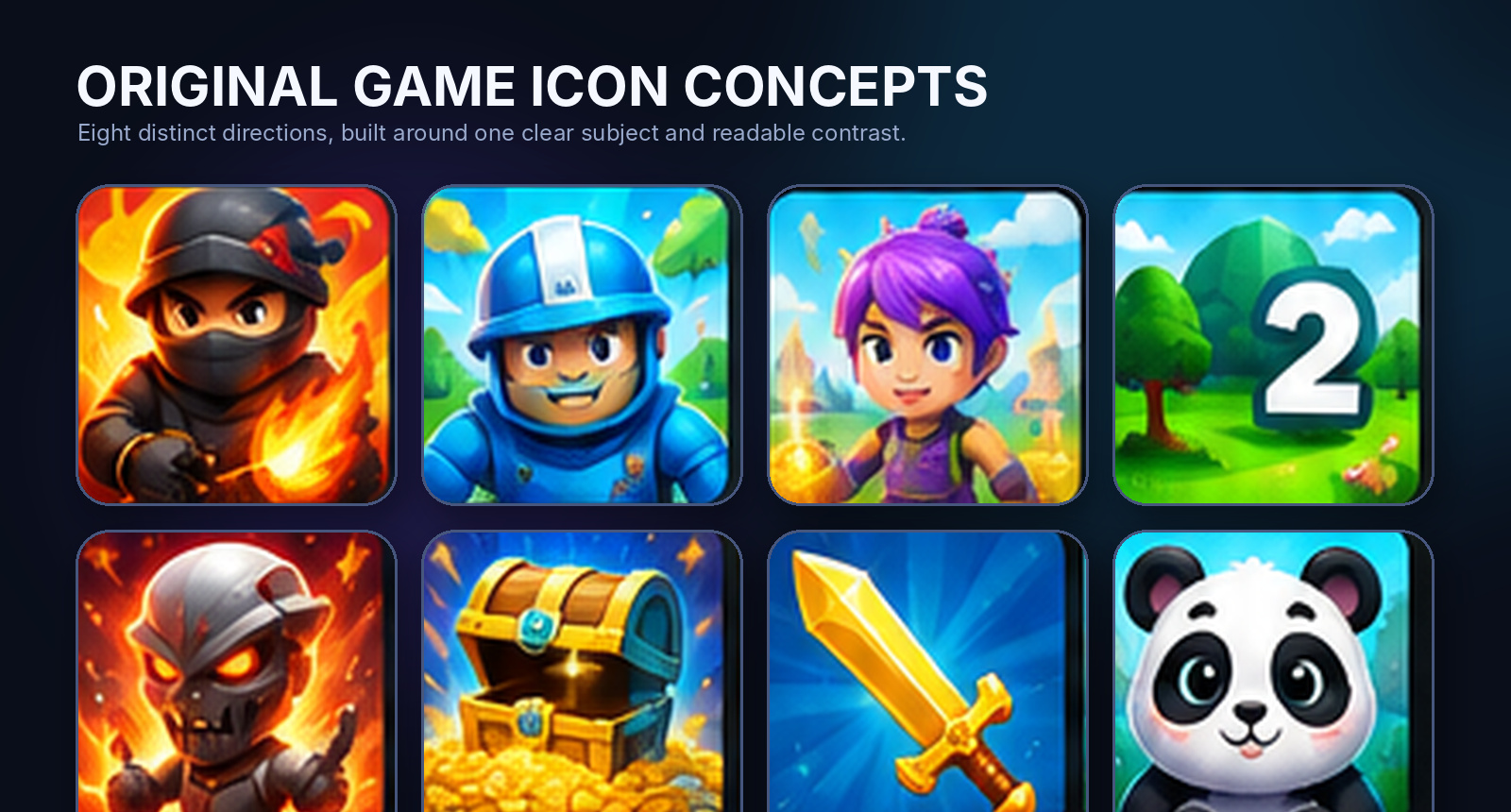
Square game-icon ideas follow the same logic, although ForgeGUI.net presents itself more clearly as a thumbnail and GUI product than a dedicated icon-only studio. An icon should not explain the entire game. It should make one promise clearly enough to earn the next look.
GUI and interface concepts
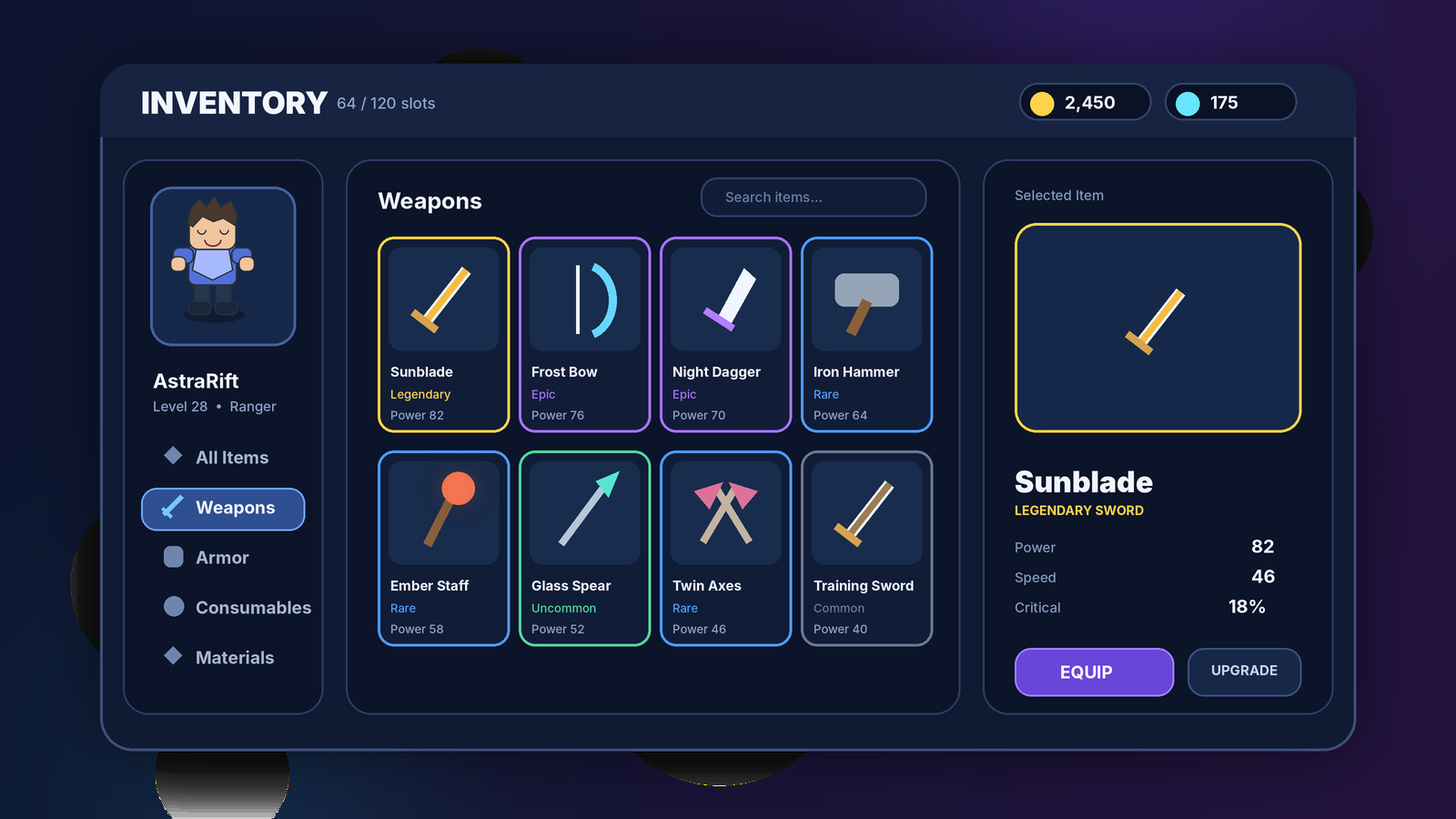
The Roblox GUI Generator can create visual directions for shops, inventories, HUDs, settings screens, and player-stat panels.
This is useful when “we need an inventory” is still the whole brief. A mockup gives the team something concrete to review: where the main action sits, how rarity is shown, which information stays visible, and whether the screen still makes sense on mobile.
There is an important boundary here. A GUI image is not a finished Roblox Studio interface. It does not replace responsive Frames, constraints, states, accessibility work, or Luau logic. Treat it as a design reference, then rebuild and test the real interface in Studio.
Avatar concepts and 3D assets
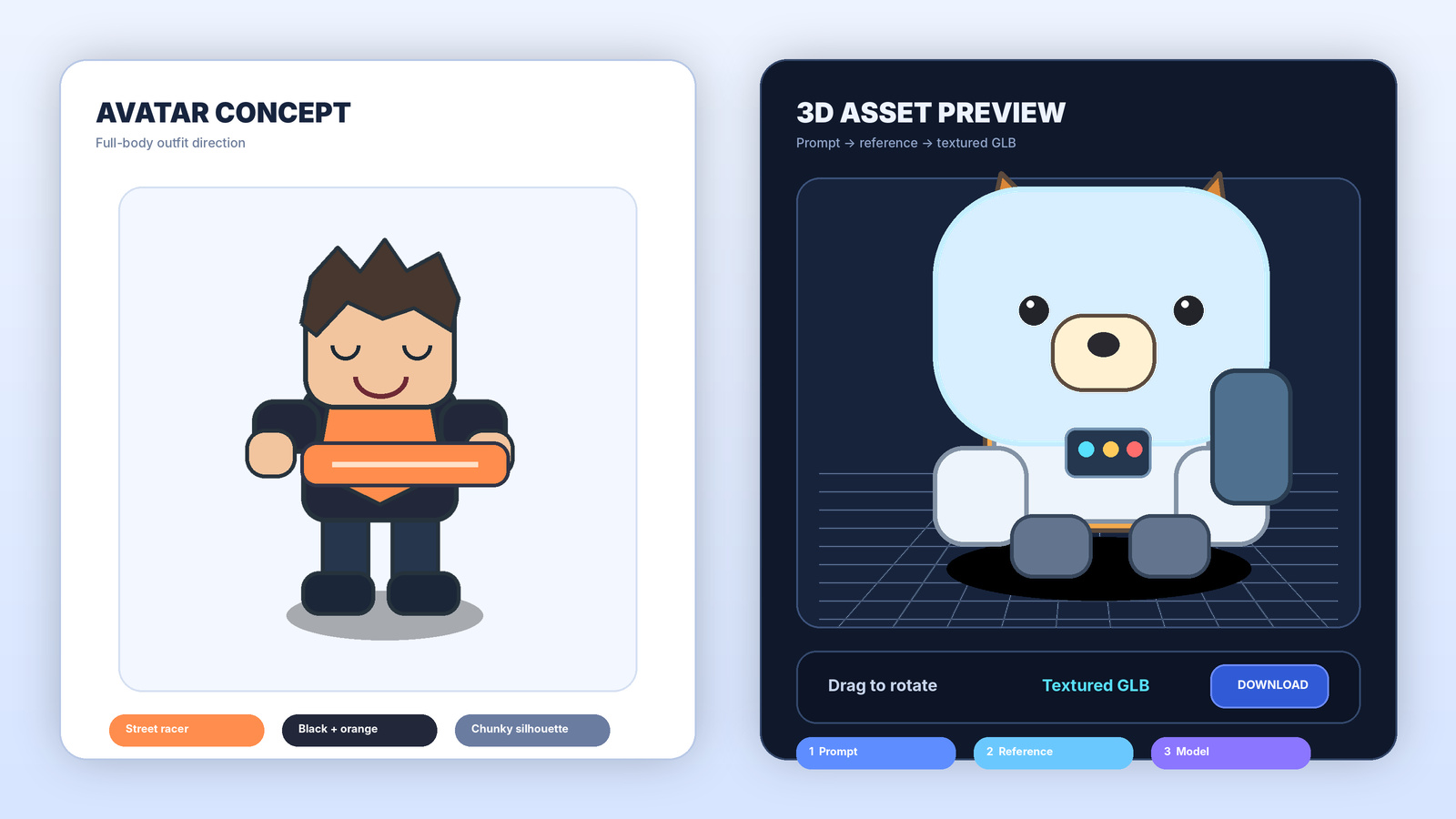
The avatar workspace is built for full-body character directions: outfit layers, colors, hair, accessories, footwear, and silhouette. That makes it useful early in the design process, when you want to compare identities before committing to custom assets or catalog items.
The 3D workflow goes further. ForgeGUI turns a text description into a clean, single-subject reference, sends that image into reconstruction, and returns a textured GLB for browser preview and download.
Keep the request focused. A mascot, robot, chest, tool, creature, or single character is a much better input than an entire town square. You should still inspect the resulting mesh for polygon count, topology, scale, pivots, collision, textures, and rigging. A textured GLB is a starting asset, not automatic proof that it is production-ready.
A workflow that gives better results
Treat the first generation as a draft, not a verdict.
- Give the asset one job. “Make my game art” is vague. “Create a horror thumbnail that communicates escape” is workable.
- Describe concrete parts. Subject, action, setting, emotion, camera, and constraints are usually enough.
- Use references deliberately. Say whether the reference should guide color, character identity, clothing, composition, or UI language.
- Fix one decision at a time. Correct the story first, then crop, hierarchy, lighting, and smaller details.
- Test at the real size. Shrink thumbnails to discovery-card size, place GUI concepts in a phone frame, and rotate 3D assets to inspect the back.
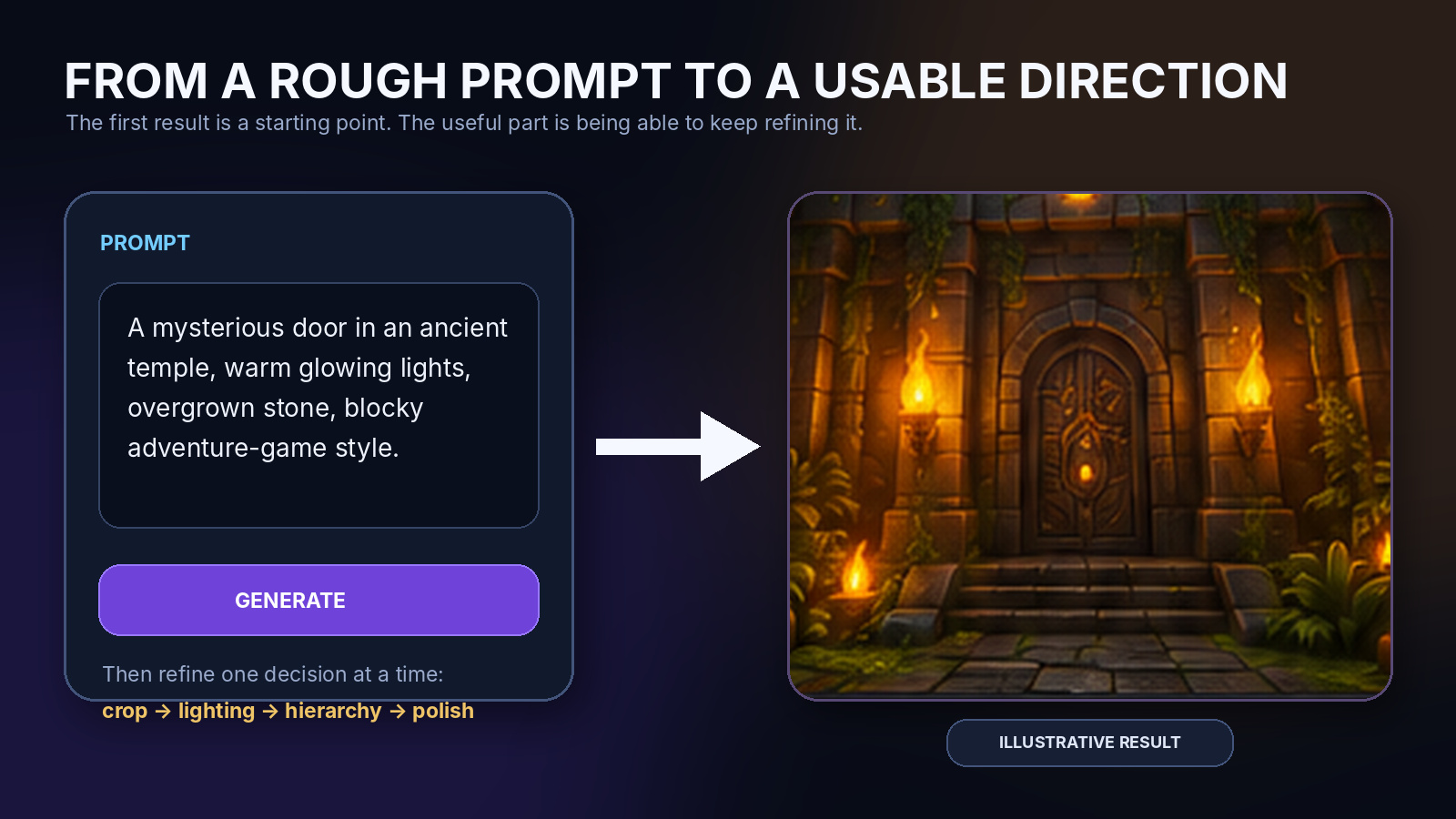
A practical prompt formula is:
[main subject]
+ [clear action]
+ [setting]
+ [emotion]
+ [camera/composition]
+ [style direction]
+ [must keep]
+ [must avoid]
It is not poetic, but it gives the image a job. That matters more.
ForgeGUI vs. the alternatives
ForgeGUI.net
- Best fit: A connected game-asset workflow.
- Roblox-first direction: Built into the product.
- Follow-up editing: Designed around continuing the current result.
- Asset coverage: Thumbnails, GUI, avatars, and prompt-to-GLB 3D.
- Main caveat: Results still need human review and Studio implementation.
ChatGPT Images
- Best fit: Flexible general creation and editing.
- Roblox-first direction: You provide it in the prompt.
- Follow-up editing: Conversational and selected-area editing.
- Asset coverage: Broad image tasks.
- Main caveat: Platform-specific composition can drift.
Midjourney
- Best fit: Visual style exploration and variations.
- Roblox-first direction: You provide it in the prompt.
- Follow-up editing: Editor, Remix, variations, and references.
- Asset coverage: Primarily image creation and iteration.
- Main caveat: Less structured around Roblox production.
Forge UI and GFX Forge
- Forge UI: A direct browser workflow for thumbnails, GUI, avatars, and 3D ideas, with platform presets and one result per generation.
- GFX Forge: A visual-first workspace for game thumbnails and interface concepts with references, connected edits, saved history, and multiple asset modes.
- Best fit: Quick Roblox-focused visual exploration before implementation.
- Main caveat: Their public product copy does not expose the same ten-model detail shown by Forge GUI.
Forge UI is the simpler sister product for a guided prompt-to-result path. GFX Forge is another visual-first route for creators comparing thumbnail, GUI, avatar, and 3D directions. Both are more relevant alternatives than a vague bucket of unnamed Roblox AI tools.
This is not a “one tool destroys every competitor” situation. ChatGPT is the more flexible generalist. Midjourney remains strong for aesthetic exploration. A narrow Roblox generator may be quicker when all you need is one icon.
ForgeGUI makes the most sense when the game-specific workflow matters more than having the broadest possible creative tool.
Pricing
ForgeGUI offers starting credits, daily rewards, and a referral reward, so you can inspect the image workflow before paying.
At the time of writing, a standard image generation is listed at 10 credits. Paid plans add monthly credits, private generation, no watermarks, high-resolution downloads, and a commercial-use workflow. The 3D tool requires an active paid plan and is listed at 120 credits per task.
Pricing changes, so check the live pricing page rather than relying on an old forum screenshot.
| Plan | Annual-equivalent price | Monthly credits | Standard image outputs |
|---|---|---|---|
| Starter | $9.90/month | 1,000 | 100 |
| Pro | $19.90/month | 4,000 | 400 |
| Studio | $49.90/month | 10,000 | 1,000 |
The public monthly prices reviewed were $14.90, $39.90, and $99.90. Annual plans bill once and release a fresh credit allowance each month. A 3D task is listed at 120 credits, so one attempt uses the same credit allowance as 12 standard images. That does not mean 12 image concepts equal one finished 3D asset; it is simply the clearest way to understand the budget before starting.
A few honest limitations
The limitations I found are ordinary first-generation issues, not reasons to avoid the product. Each one has a practical workaround today and a clear path for the team to improve later.
- A complex prompt may need one simplification pass. When a brief asks for several characters, UI text, effects, and background events at once, the first result can spread attention too evenly. Start with the main subject and action, then add supporting detail in a follow-up. Better prompt routing and stronger multi-subject controls can reduce this extra step over time.
- Recurring characters benefit from a final consistency check. References preserve the important identity, but small accessories or clothing details can drift between campaign images. Keep a compact character sheet and name the three details that must not change. A future character-lock feature could make that workflow even faster.
- GUI images are deliberately design references. They settle hierarchy, palette, panel language, and button emphasis, but they do not replace responsive Frames or Luau. A clearer Studio-ready handoff checklist or component export would close more of that last mile later.
- A textured GLB still deserves a quick technical inspection. Check scale, pivot, material assignment, collision needs, and the view from behind before import. Those are normal 3D handoff checks, and future automatic validation could make them more visible inside the browser preview.
Reference images also come with responsibility. Publicly visible does not mean free to copy. Use material you own or are allowed to use, then push the result toward a distinct design. This is a workflow habit rather than a Forge GUI defect.
Finally, do not publish the first generation only because it finished. Show it to someone who has not heard the pitch and ask what the game is about. If the answer is unclear, one focused follow-up usually fixes the message without discarding the whole direction.
FAQ
How is ForgeGUI different from Midjourney or ChatGPT?
It is narrower and more game-specific. ChatGPT and Midjourney are capable general image platforms. ForgeGUI adds platform and style choices, Roblox-oriented prompt guidance, connected history, GUI and avatar modes, and a separate text-to-reference-to-GLB pipeline.
Does ForgeGUI guarantee a high CTR?
No. It helps produce clearer directions to test. Actual CTR depends on the game, audience, placement, competing experiences, and whether the artwork communicates the real experience honestly.
Does it only work for Roblox?
Roblox is the clearest focus, but the image workflow also includes Minecraft, Unity, and Fortnite-inspired directions. These are visual presets, not official partnerships.
Does the GUI generator export a finished Roblox interface?
Treat it as a visual mockup. You still need to build the responsive interface and behavior in Roblox Studio.
What does the 3D generator export?
ForgeGUI describes the current output as a textured GLB created after a 2D reference and reconstruction stage. Inspect and optimize it for your engine and production needs.
Is ForgeGUI affiliated with Roblox?
No. ForgeGUI.net states that it is an independent tool and is not affiliated with Roblox or the other platforms named on the site.
Final thoughts
ForgeGUI is not interesting simply because it can generate an image. Plenty of tools can do that now.
It is interesting because it organizes several awkward steps around a game developer's workflow: start with a rough idea, choose a platform-aware direction, add a reference, continue editing, save the result, and move into a more specific asset mode when needed.
For a solo developer or small team, that can remove a real bottleneck. Keep the human part of the process: write an honest brief, review every output, rebuild anything that must be production-ready, and test the artwork with real players.
Start creating with ForgeGUI and test the workflow with a focused, real-world brief.
I would be especially interested in seeing how it handles difficult prompts rather than perfect demo prompts—crowded simulator scenes, mobile HUDs, recurring characters across updates, and 3D assets viewed from angles the reference never showed.